
Componentregistry:component
Rotunda Carousel
Square images and videos arranged on a spinning ring, largest at a focus angle and tapering to small tiles opposite it. Auto-spins in either direction, eases to a stop on hover, enlarges the hovered tile, and spins by dragging around the centre or scrolling, with momentum. Optional links per tile, reduced-motion support, no dependencies.
Installation
$ npx shadcn@latest add @creative-ui/rotunda-carouselOn an older shadcn CLI, use the URL: npx shadcn@latest add https://ui.krutikraut.com/r/rotunda-carousel.json
Preview
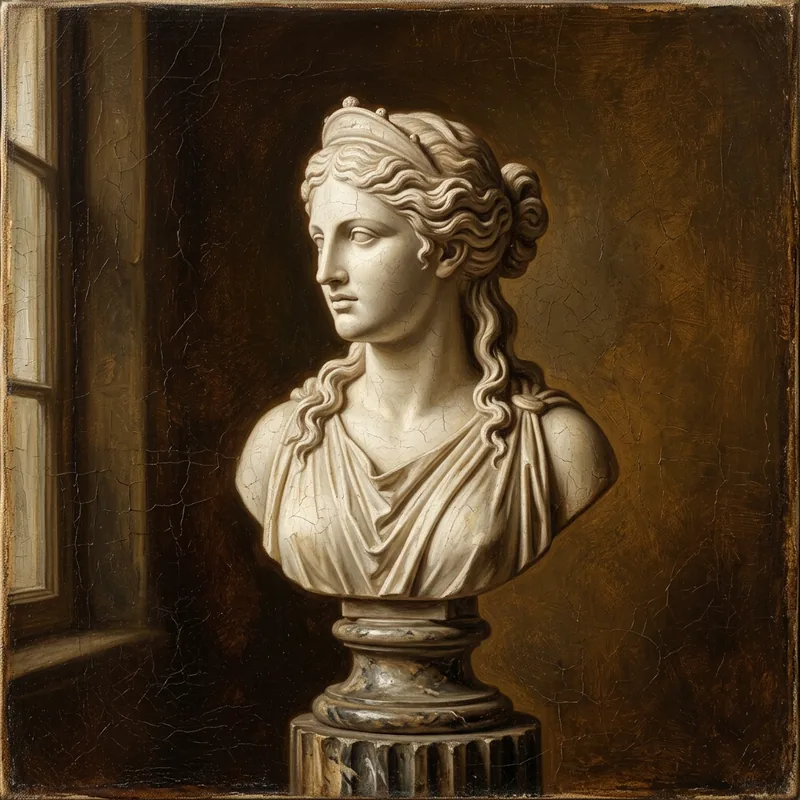
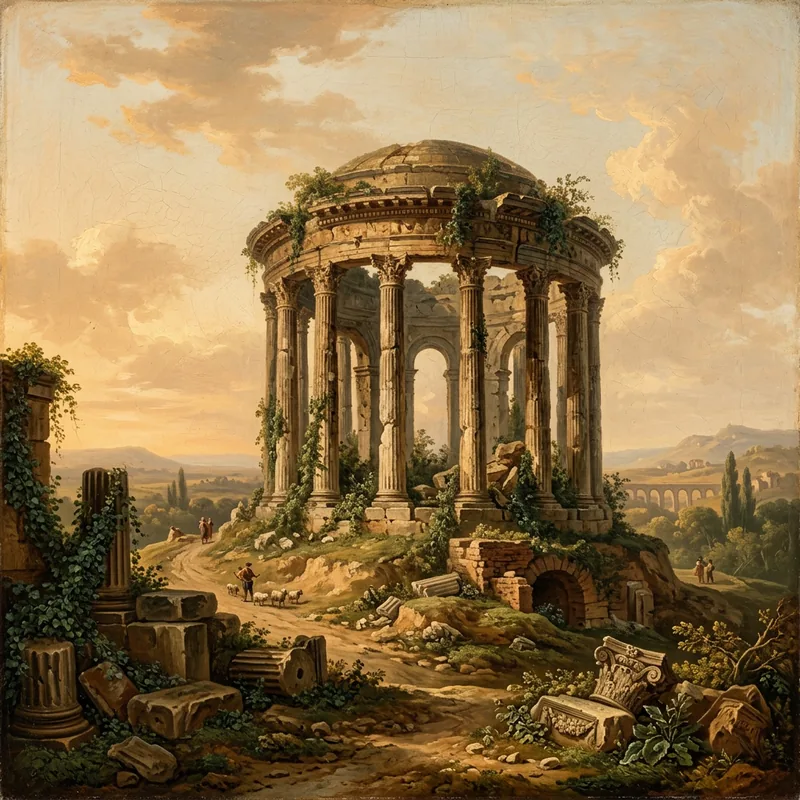

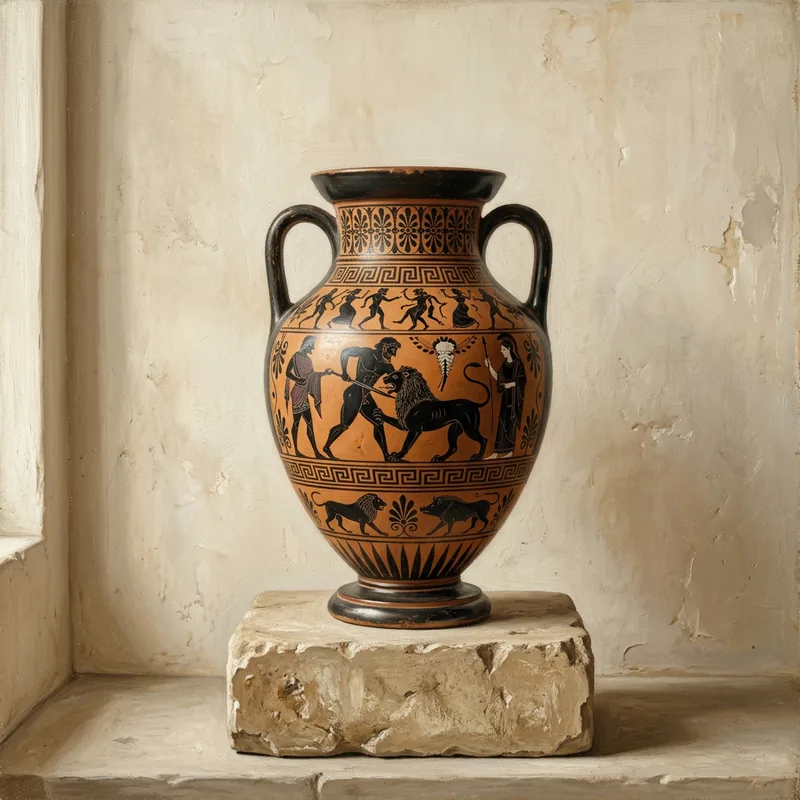
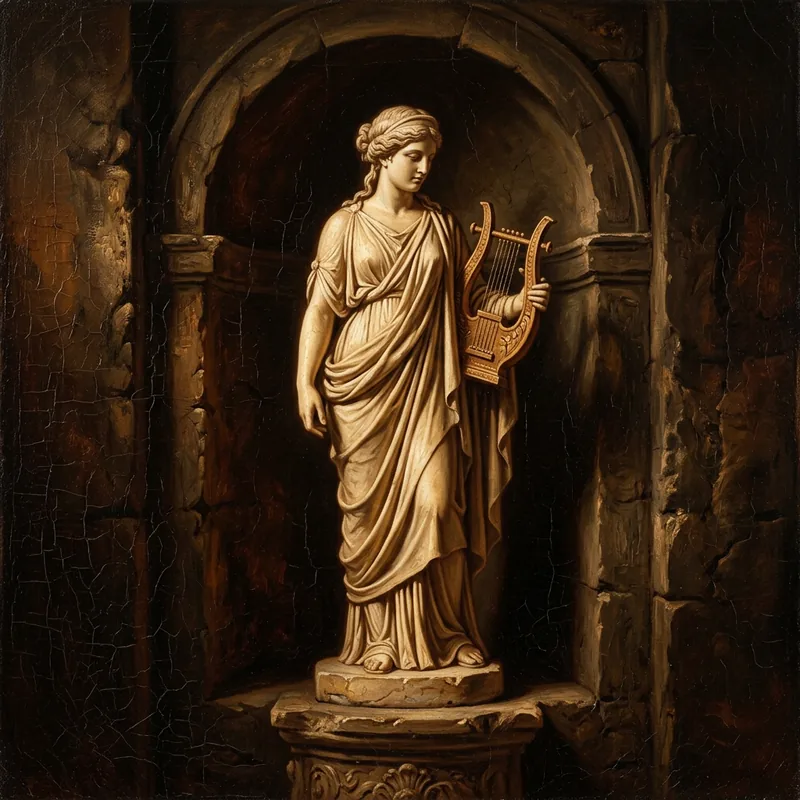
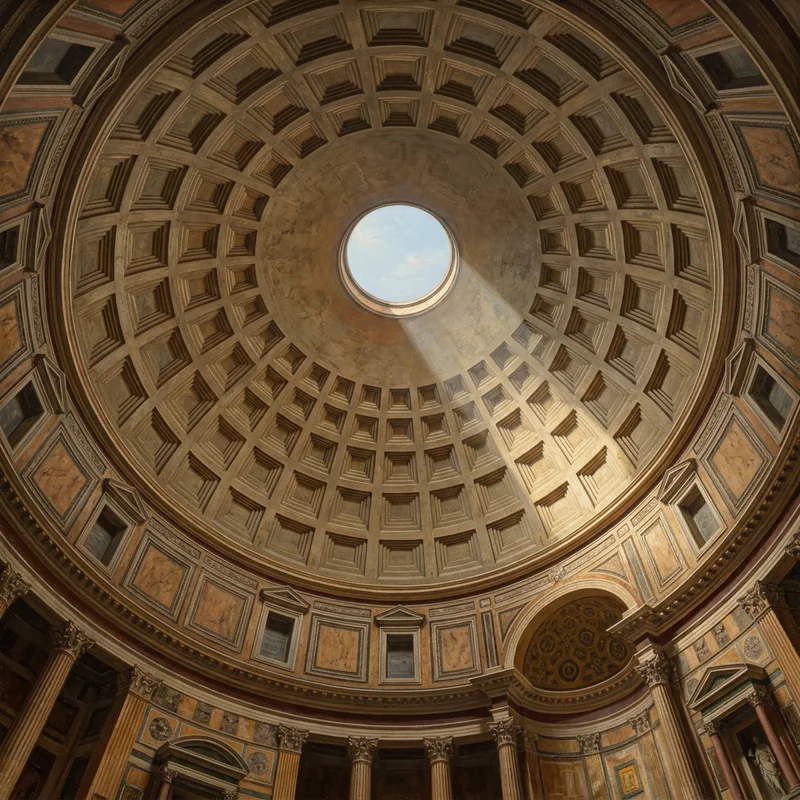
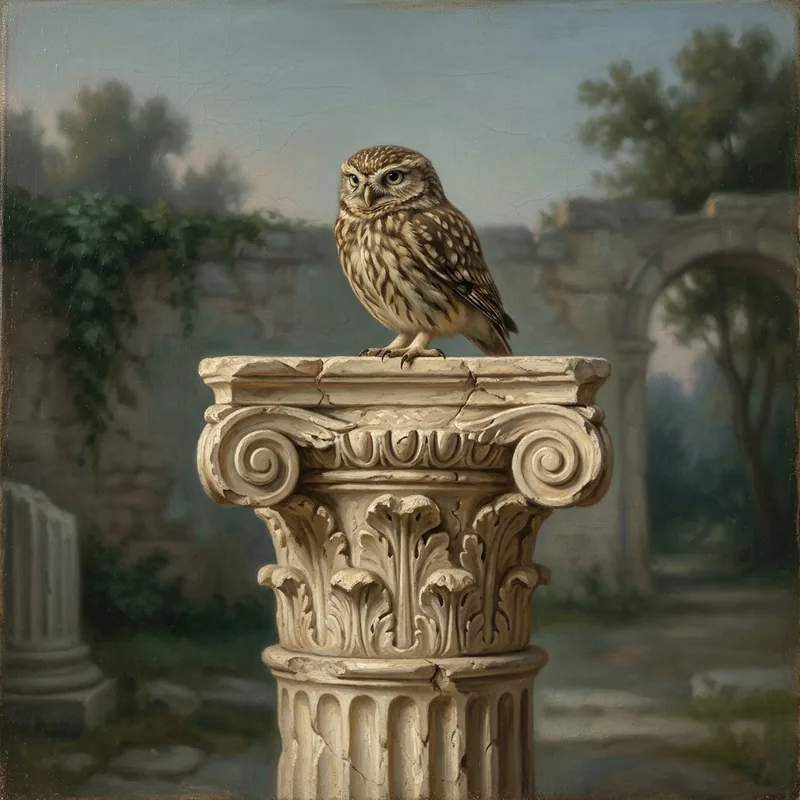
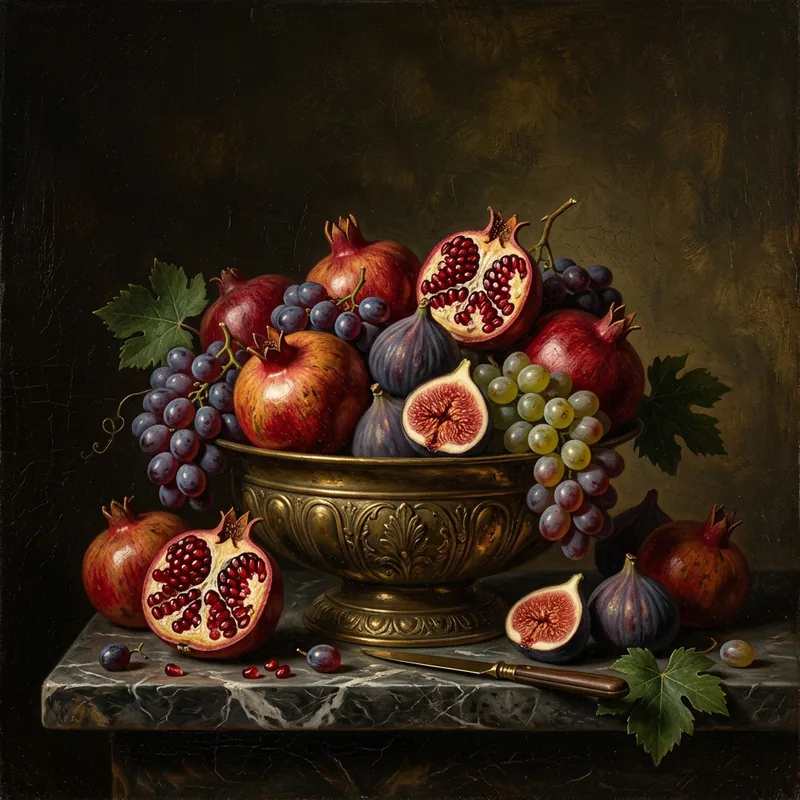
drag around the ring, scroll or use arrow keys · hover to pause
Radius240px
Largest tile150px
Smallest tile56px
Taper1.4
Focus angle180°
Corners16px
Speed10°/s
Hover scale1.18×
Direction
Tiles
Usage
Example.tsx
import { RotundaCarousel } from "@/components/rotunda-carousel"

const items = [
  { src: "/gallery/bust.webp", alt: "Marble bust", href: "/work/bust" },
  { src: "/gallery/temple.webp", alt: "Round temple" },
  { src: "/gallery/reel.mp4", poster: "/gallery/reel.jpg", alt: "Studio reel" },
  { src: "/gallery/amphora.webp", alt: "Greek amphora" },
]

export function Gallery() {
  return (
    <RotundaCarousel
      items={items}
      aria-label="Selected work"
      className="h-[520px] w-full"
    />
  )
}
Props
| Prop | Type | Default | Description |
|---|---|---|---|
| items* | { src: string; alt?: string; type?: "image" | "video"; poster?: string; href?: string; target?: "_self" | "_blank" }[] | — | Tiles around the ring. Videos are detected by extension (or type) and play muted and looped. href turns a tile into a link. |
| radius | number | 240 | Ring radius in px to tile centres, before responsive fitting. |
| maxSize | number | 150 | Tile size at the focus angle, in px. Tiles are square. |
| minSize | number | 56 | Tile size opposite the focus angle, in px. |
| taper | number | 1.4 | How sharply tiles shrink away from the focus. 1 is a smooth cosine; higher keeps only the focus tile large. |
| focusAngle | number | 180 | Where the largest tile sits, in degrees clockwise from 12 o'clock. 180 is the bottom. |
| minOpacity | number | 0.55 | Opacity of the smallest tiles, 0 to 1. |
| cornerRadius | number | 16 | Tile corner radius in px at the largest size. Scales down with the tile. |
| objectFit | "cover" | "contain" | "cover" | How media is cropped inside each tile. |
| orientation | "upright" | "radial" | "upright" | upright keeps tiles level; radial turns them with the ring like spokes. |
| shadow | boolean | true | Drop shadow that deepens on larger tiles. |
| minItems | number | 8 | Repeats items in whole passes until the ring has at least this many tiles. |
| autoSpin | boolean | true | Rotate on its own. Flicks coast and blend back into the spin. |
| speed | number | 10 | Auto-spin speed in degrees per second. |
| direction | "clockwise" | "counterclockwise" | "clockwise" | Auto-spin direction. |
| pauseOnHover | boolean | true | Ease the spin to a stop while a mouse is over the ring. |
| hoverScale | number | 1.18 | Scale of the tile under the pointer or keyboard focus. 1 turns it off. |
| glide | number | 0.95 | Momentum kept per frame after a flick or wheel spin, 0 to 1. Higher coasts longer. |
| smoothing | number | 0.25 | Lag between the pointer and the ring while dragging, 0 to 0.95. |
| draggable | boolean | true | Spin the ring by dragging around its centre. |
| dragSensitivity | number | 1 | Multiplier on drag and wheel rotation. |
| wheel | boolean | true | Spin the ring with the mouse wheel or trackpad while hovering it. |
| grabCursor | boolean | true | Show grab and grabbing cursors. |
| aria-label | string | "Image carousel" | Name announced for the carousel region. |
Also accepts every div prop, which is spread onto the root element.
Notes
- Give it a height with
className. The ring is centred in the box and scales down to fit smaller containers. - Built for square media: tiles are always square and crop with
objectFit. - Dragging follows the pointer's angle around the centre, so it works from any side of the ring. On touch, vertical swipes still scroll the page.
- Focusable, with arrow keys stepping one tile. Linked tiles are reachable with Tab and enlarge on focus. Repeated passes from
minItemsare hidden from screen readers. - With reduced motion, auto-spin is off. Stops animating while scrolled out of view.